Computers
Laptops
Team Shrub can typically support the purchase of some new technology for your graduate studies. This may include: a laptop, a monitor, a keyboard, a mouse, and/or laptop dock. Note that this technology will be returned to Team Shrub when you graduate. You should check with Pauline to see if there is any already purchased technology that would suit your needs. If you are unsure about your laptop purchase, you can speak with other grad students to get their experience/ expertise.
UBC Forestry gets deals for purchasing with Dell. Note that the price advertised online may be more expensive than what is actually available - so check with Pauline to get an official quote from Dell for your preferred machine.
Check out our lab tech inventory for a sense of what others have purchased: Lab Computer Inventory
Features to consider when choosing your laptop:
| Item | Basic Considerations |
| CPU | Look for the number of “cores” and base clock speed of the processor. Generally you will want at least 8 cores and a clock speed ~2.0 GHz. |
| RAM | More RAM is better for large remote sensing datasets that will need lots of memory. Look for 32-64 GB of RAM. |
| GPU | For visualization and GIS work. Avoid integrated CPU & GPU systems. Look for 8 GB of dedicated memory for the GPU. |
| Storage | Ideally 1 TB of internal storage (but 500 GB is okay). You can always store data on an external hard drive so this is a less important factor. |
| Price | Prices are dynamic depending on availability of parts and the status of AI chip wars. The current budget for high-performance laptops is in the $4000-5000 price range. (Jan 2026). |
Software
UBC has licenses for the following software:
- ArcMap, ArcGIS Pro
- Adobe suite, including Reader, Acrobat Pro and Creative Cloud (Photoshop, Lightroom)
- Snagit (Screen capture software)
- Camtasia
Other open source software you may want:
- R + RStudio
- Jupyter Notebooks (Python)
- QGIS (Open source GIS alternative)
- Potree + CloudCompare (pointcould visualization)
- 7zip (file compression)
Lab computing resources
In addition to your laptop, Team Shrub also has access to computing resources through UBC ARC (Advanced Research Computing). The three platforms available to use are:
Sockeye: A high-performance computing platform. Use this platform to temporarily store data that you are actively working on and run computationally demanding tasks. You can access Sockeye through the command line, or through the online portal ARC On Demand. Through ARC On Demand you can also start an RStudio or Jupyter Notebook session to run R and Python scripts using data uploaded to Sockeye.
Chinook: A research data storage system. Team Shrub uses this platform to back-up field data and store legacy datasets (i.e. past students work, data from published manuscripts). This is not meant for “active” datasets i.e. your current working data that you may be accessing, reading and writing data multiple times per day.
Globus: A platform for securely transferring data to and from your local machine to Chinook and Sockeye. You can manage file transfers through a command line or directly upload data though the web portal. For file transfers > 10 GB it is recommended that you install Globus Connect Personal which automatically validates large data transfers to and from your local machine.
Resources on using these platforms can be found here: About ARC - UBC ARC Technical User Documentation - UBC IT Confluence
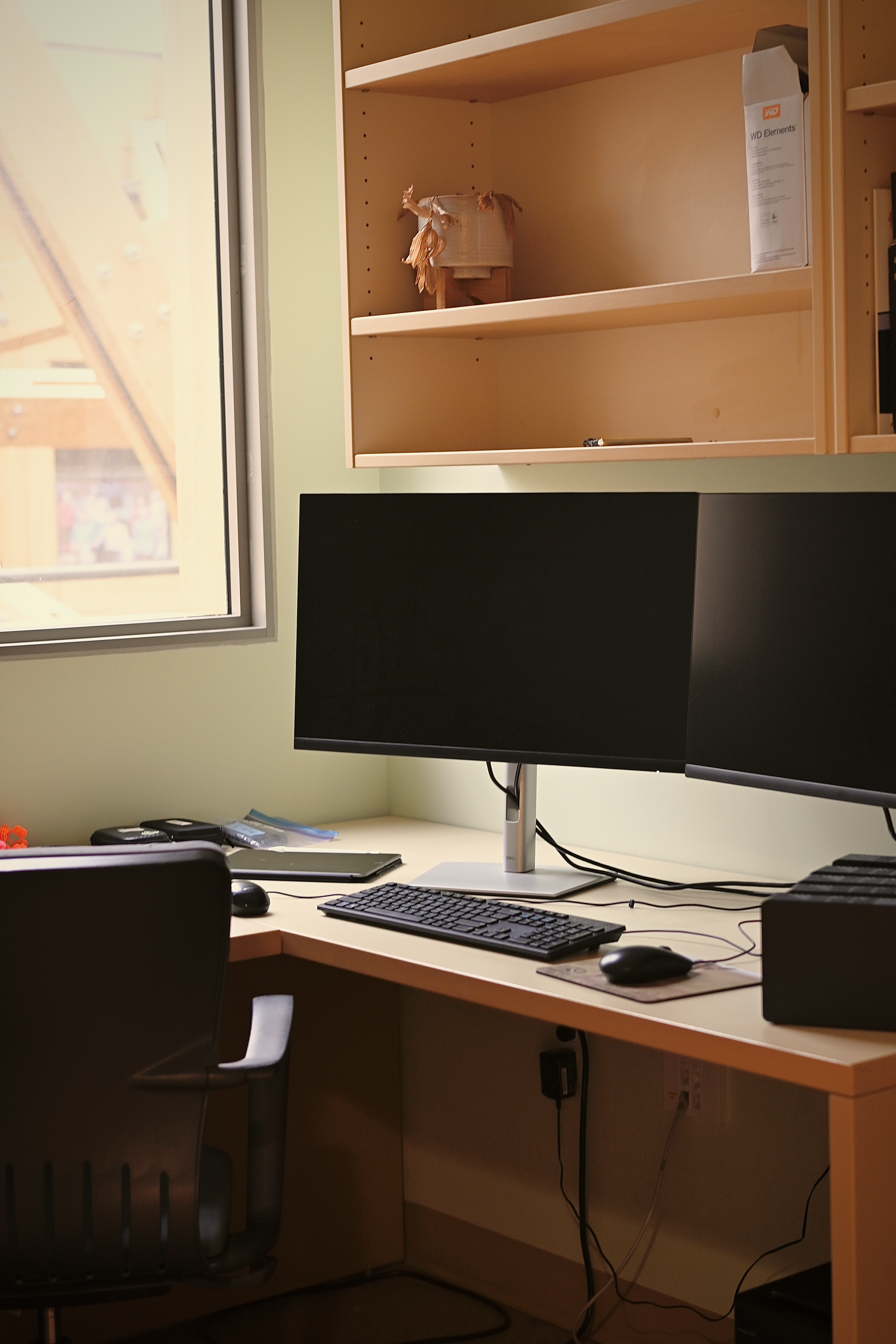
High performance workstation: We also have one workstation located on the 4th floor (Room #) that has an Agisoft Metashape license (for photogrammetry) as well as other software for running audio recognizers on the ARU data. The workstation is also used to organize and host a vast library of field data going back to ~2017. If you need to run a computationally intensive workflow on the workstation you can check its availability and book computer time using this calendar:
Team Shrub Workstation Booking Guide - Google Docs
Data backups
Everyone should actively be backing up their data. People have worked hard on projects and lost everything due to hard drive failure. Don’t think it won’t happen to you - backup your data routinely. (At least monthly, or more frequently if you are actively generating new outputs).
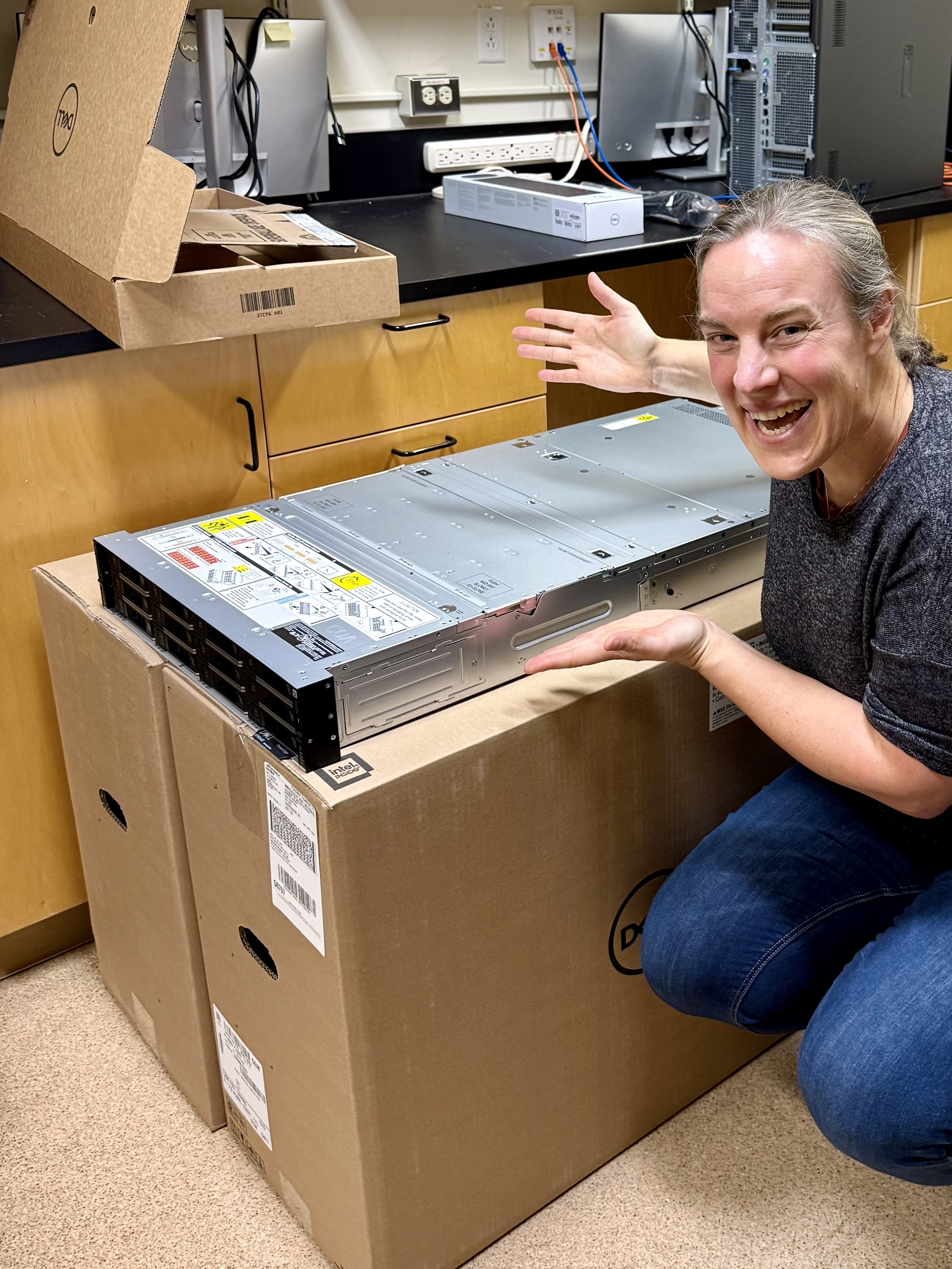
Backups can be stored using a physical hard drive, on the Team Shrub shared server, Chinook or online using Google Drive or Github (mainly for manuscripts, reproducible datasets and code). We also have several large (30 TB) hard drives in the 4th floor computer lab for long-term field data storage. (Speak to Isla/Pauline about getting an external hard drive for field data or back-up).
Notes for transferring data to the server or hard drives
Copy/pasting large amounts of data directly from File Explorer may result in errors and data corruption! Download TeraCopy and use it for large data transfers. TeraCopy allows you to validate the data transfer after the copying is done. Validation can take a long time (about the same as the transfer) but gives you peace of mind that everything is ok. Errors will show up and you can then copy those files again.
To reduce file size for long-term storage (i.e. you are leaving the lab and you want to archive your project) you can also compress your data in a .zip file prior to transfer. Compress individual folders within your directories. Do not make a single, massive, compressed folder! It will likely lead to corruptions in your data, and you will lose it all. Instead, compress data into smaller chunks, e.g., divide the data into projects or sub directories.
A quick review on where to store your data:
| Storage | Purpose |
| Your laptop | Working data, manuscript drafts, code, figures |
| External hard drives | Raw field data (drone imagery, Metashape projects, ARU data etc…) |
| Google Drive & GitHub | Shared documents, replication data and cleaned code, coding resources for others |
| Team Shrub server (TBD) | General data back ups (i.e. raw data, intermediary data, key outputs, code), data used by multiple students/projects |
| Chinook | Legacy data, past student archives (does not to be accessed and modified often) |